
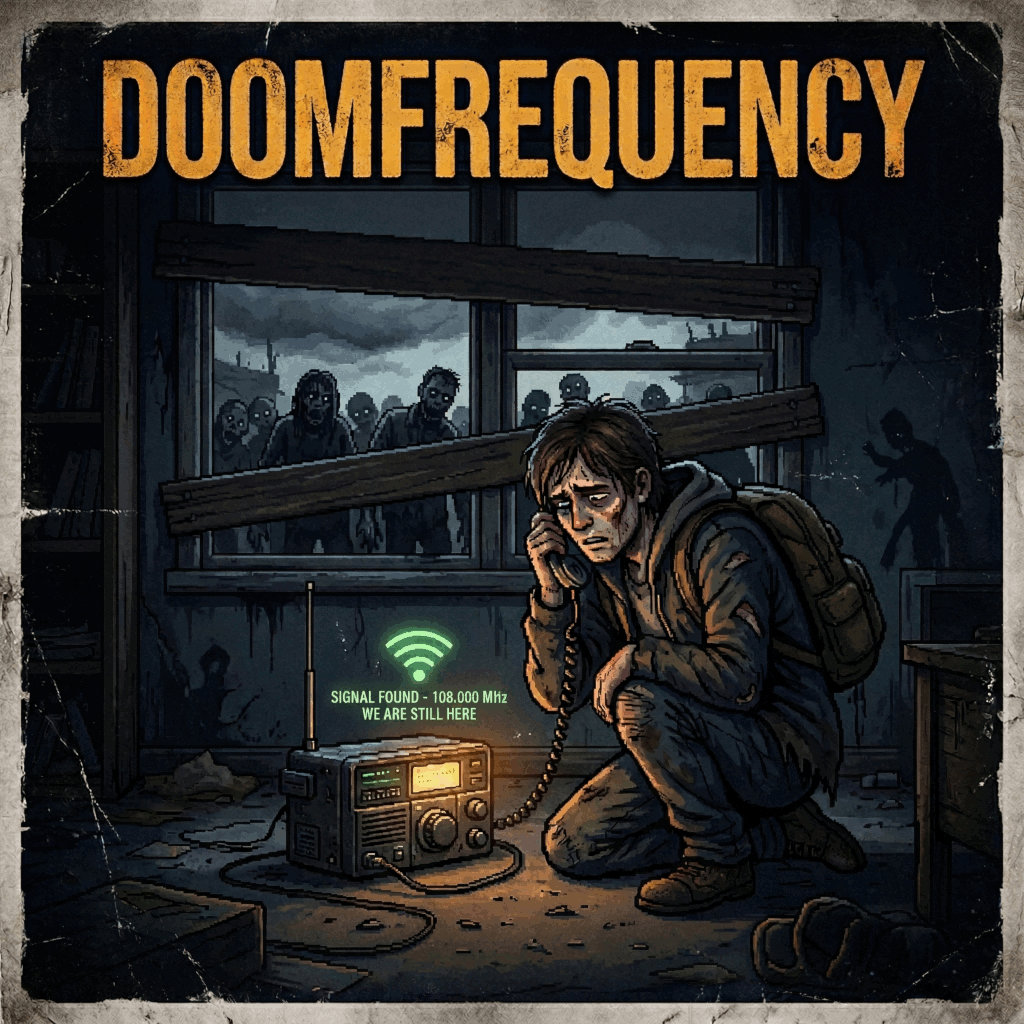
Signal found.
We are still here.
DoomFrequency FM connects your in-game two-way radio to real survivor voices broadcasting over the airwaves. Tune in, transmit your message, and hear back from the living — if any still remain.
// BROADCAST CAPABILITIES
Live Radio Integration
Use your in-game two-way radio to broadcast on any frequency. Your voice reaches beyond the map — to whoever is still listening.
Survivor NPCs
Fictional survivors hosted on an external service respond to your transmissions in real-time, bringing the world to life through the static.
Multiplayer Ready
Built for servers. A Python relay bridges your server to the DoomFrequency WebSocket service, syncing all player transmissions.
WebSocket Service
Messages relay to wss://ws.doomfrequency.fm — a persistent service that
hosts NPC survivor characters and manages broadcast state.
Quest System Coming Soon
Survivors will issue missions and assignments over the radio. Receive orders, complete tasks, and hear back from your contacts.
Skill Training Coming Soon
Tune into specialist broadcasts to learn from expert survivors — electrical engineering, medicine, and more.
// HOW IT WORKS
Transmit
Use the say or shout command while holding a two-way radio.
Your message is tagged with your frequency, encrypted identity, and timestamp.
Relay
A Python relayer process on the server picks up the message and forwards it to the DoomFrequency WebSocket service in real-time.
Respond
NPC survivors react and broadcast back. Responses are injected into the in-game radio system every 10 in-game minutes.
// GET STARTED
Download from the Steam Workshop or copy DoomFrequency/Contents/ into
your Project Zomboid mods directory.
Get a free API key at doomfrequency.fm to connect your server to the
broadcast service.
Start the Python relayer process on your server to bridge in-game transmissions to the WebSocket service.
Requires Project Zomboid Build 42.15 or later. Tune in, transmit, and wait for a response.
$ connecting to wss://ws.doomfrequency.fm...
[OK] WebSocket handshake complete
[OK] API key validated
[OK] Tuned to 108.000 MHz
INCOMING "Is anyone out there? We have supplies at—"
█